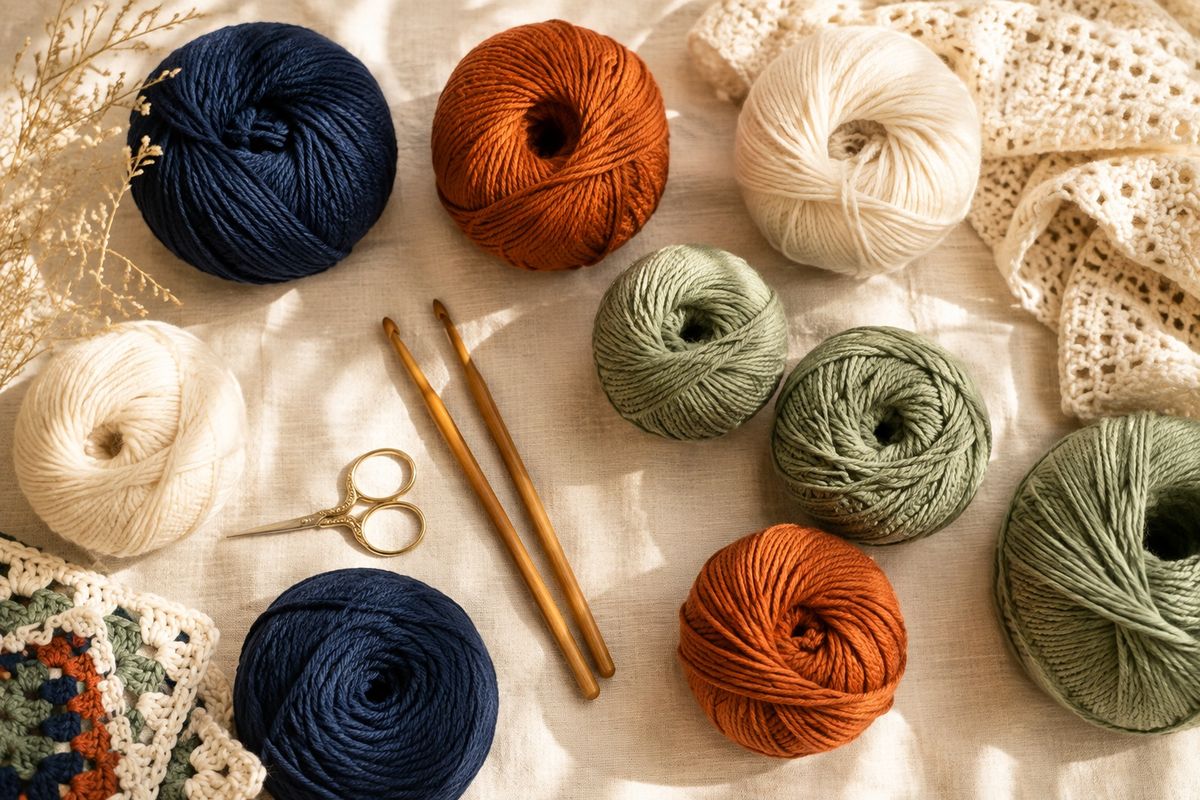
A temperature blanket uses one row or square for each day of a year, coloured by that day’s temperature, and this planner looks up those temperatures for any city and year, sorts the days into colour bands and counts the rows and yards each colour needs.
How do you use the planner?
You use the planner by choosing a place, a year and a reading, pressing Get temperatures, then setting bands and yarn.
- Type a city in the City box, press Use my location, or open Enter latitude and longitude, type your own numbers, then press Use these coordinates.
- Choose a year from the Year box.
- Choose a temperature unit, °F or °C.
- Choose which reading to follow: the daily high, the daily low or the daily average.
- Press Get temperatures. A summary appears, with the coldest and warmest days.
- Pick Stripes or Squares in a grid under Blanket preview. For squares, set how many go across.
- Under Bands, days and yarn, type yards per row and yards per skein if you want yarn amounts. The table shows each band’s days and yarn.
- Open Edit colour bands to change the bands, a starter palette, or any band’s colour, range and yarn name. The panel starts closed on phones, so tap it first.
- Download the CSV or print the plan.
How do you choose colour bands?
A colour band is a range of temperatures that share one colour, and the Edit colour bands panel offers two ways to set the ranges. Both work on temperatures rounded to a whole degree.
Even ranges split the gap between the coldest and warmest day of your year into the number of bands you choose, from 3 to 14. Each band covers about the same number of degrees, so the planner decides where the edges fall.
Fixed step lets you choose the degrees per band, such as 10. The planner starts at the nearest multiple of that step at or below the coldest day and adds bands until it passes the warmest day. The step sets the band count, and it must give between 3 and 14 bands, or the planner asks you to pick another step.
More bands show finer detail, but each one is another yarn to buy and swap in. Fewer bands look bolder and need fewer yarns to manage.
If the planner reports days outside your bands, widen the first or last band by changing its From or To box in the same panel.
Should you crochet rows or squares?
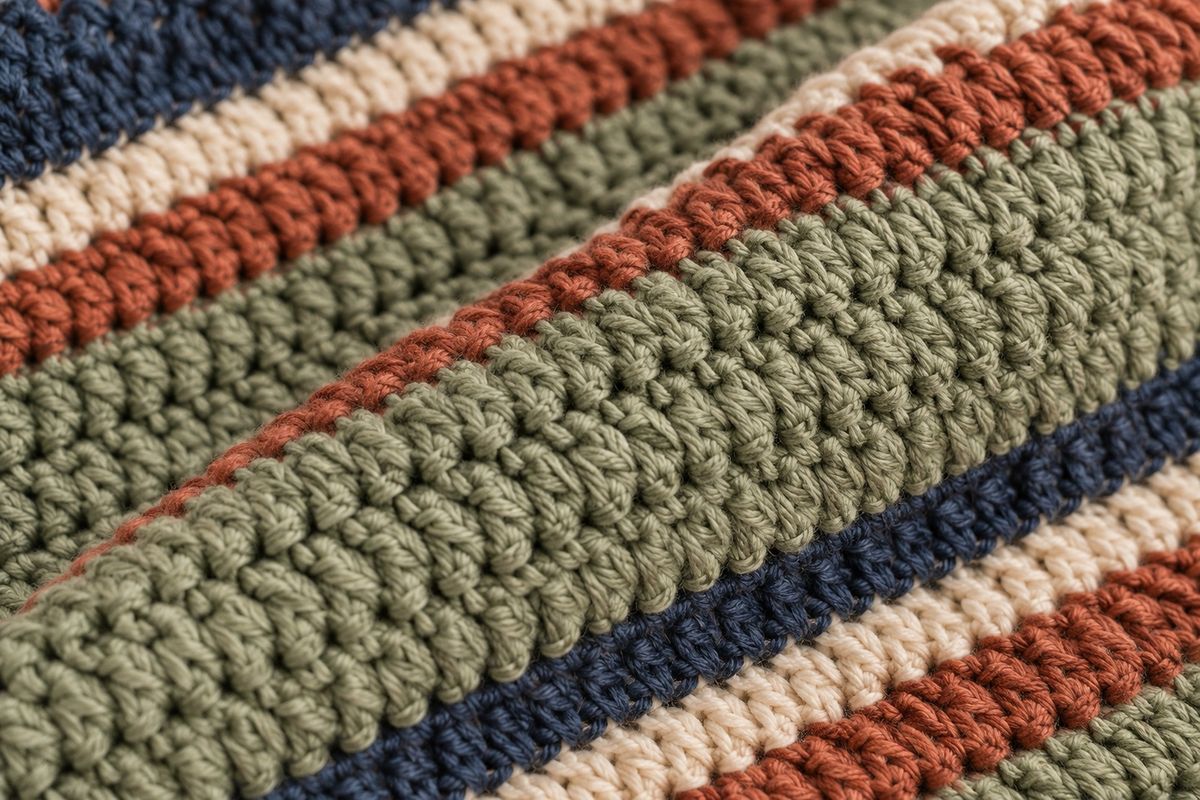
Choose Stripes for one row per day, or Squares in a grid for one square per day. You get one piece for every day with a reading in the year you choose, and the size of the finished blanket depends on your hook, your yarn and how wide each row or square is, so the planner cannot give you a size for it.
In stripes, row 1 is at the top of the preview. In squares, you set how many squares go across, and 7 gives one week per line. Square 1 is at the top left and the days run left to right.
How do you work out yarn for each colour?
The planner multiplies the rows in a colour by the yards one row uses, then divides by the yards in a skein. The formula is the one printed under the yarn boxes:
Yards for a colour = number of rows x yards per row. Skeins for a colour = yards / yards per skein, rounded up to a whole skein.
The second box, yards per skein, comes from the yarn label. If you chose squares, the first box becomes yards per square and the same sum applies.
To find yards per row yourself, crochet one full row (or one square) in your yarn and hook at the width you want. Unpick it and measure the yarn it used, then divide the inches by 36 to get yards.
You can also weigh it. Yards per row = grams used for one row / grams in a skein x yards in a skein, with both skein figures taken from the label. Measure more than one row. If the figures differ, use the longer one, because a spare skein costs less than running short halfway through a colour and hunting for a matching dye lot.
Can you start this year or use a past year?
The Year box lists this year, marked “so far”, and every full year back to 2001. A past year gives you a full preview of the whole blanket before you buy any yarn, which is handy when you want to compare places or bands.
The current year stops a few days before today, because the weather source runs behind. The planner shows the latest day with a reading, so a plan for this year covers the days so far.
Where do the temperatures come from?
The temperatures come from the NASA Langley Research Center POWER Project, which gives a modelled value for a grid cell around your point. The value is modelled, not measured at a weather station, so it can differ from a local station’s reading.
A day the source leaves empty shows as no data, because the planner never guesses a value, so a gap stays a gap. City names come from GeoNames.
What mistakes should you avoid?
- Choosing too many bands. Fourteen colours means fourteen yarns to buy.
- Mixing readings. Pick the daily high, low or average once and keep it for the whole blanket.
- Guessing yards per row. A guessed figure carries through every colour, so measure a real row first.
- Editing bands before you settle the setup. Changing the unit, year or reading sets the band ranges again, and a new number of bands or a starter palette resets the colours, so choose those first.
- Forgetting the empty days. Days with no data are not counted in the yarn totals, so give them a colour and a little extra yarn.
- Skipping gauge. Make a swatch with your hook, because a tight or loose row changes how much yarn you use. The crochet hook size chart and the yarn weight chart help you pick a hook and yarn that match, and the crochet yarn calculator works out yarn for other projects. New to the stitch? Start with how to single crochet.
Questions makers ask
Can I plan a blanket for a place I have never lived?
Yes. The planner takes any city of 20,000 people or more, your location, or a latitude and longitude, so you can follow a hometown, a holiday spot or a relative's city. The temperatures belong to the place you pick, not to where you sit.
How does a hatched stripe or square look in the preview?
A day with no reading shows as a hatched stripe or square, and a day outside your bands shows hatched in a different pattern with a warning. Both stay out of the colour counts, so you can spot them at a glance.
What do I get without yards per row and per skein?
You still get the bands, the number of rows or squares in each colour, the preview, the CSV and the print plan. The two yarn boxes add yards and skeins to the table, so leave them empty while you are still comparing places or years.
Will my plan still be there if I come back later?
Yes, on the same browser and device. Your place, year, bands, colours, yarn names and yarn boxes are kept. If the temperatures are no longer stored, press Get temperatures to bring the plan back. It will not appear on another device, so download the CSV or print the plan.